“Tag” dialog
☰ → Settings → Tags →

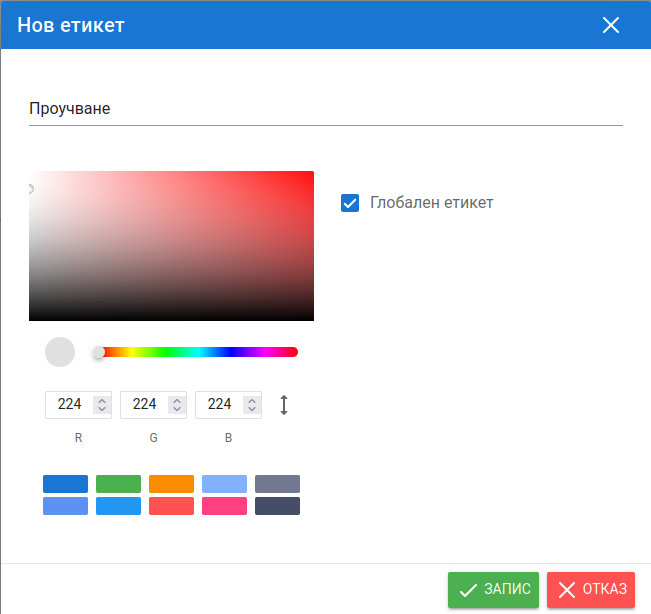
| Field | Description |
|---|---|
| Name | The name of the tag, according to its purpose. |
| Global tag | When selected, the tag is visible in all modules that use tags: clients, employees, tasks, absence types, files. When cleared, choose the modules in which it is visible. |
| Color | Tags from different groups can have different colors so they are easy to recognize. |
See also Tags.