Comments, history and subscribers
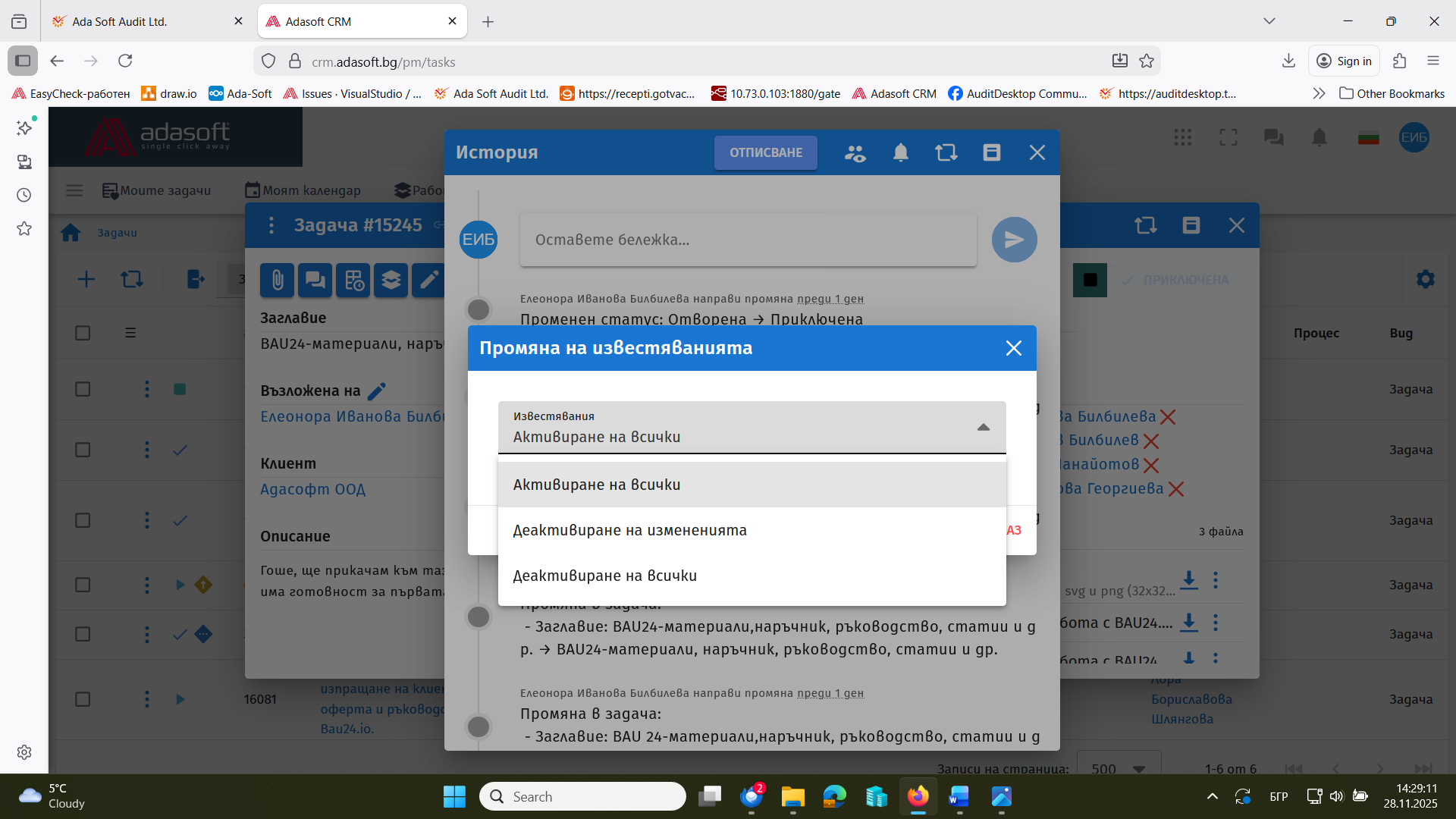
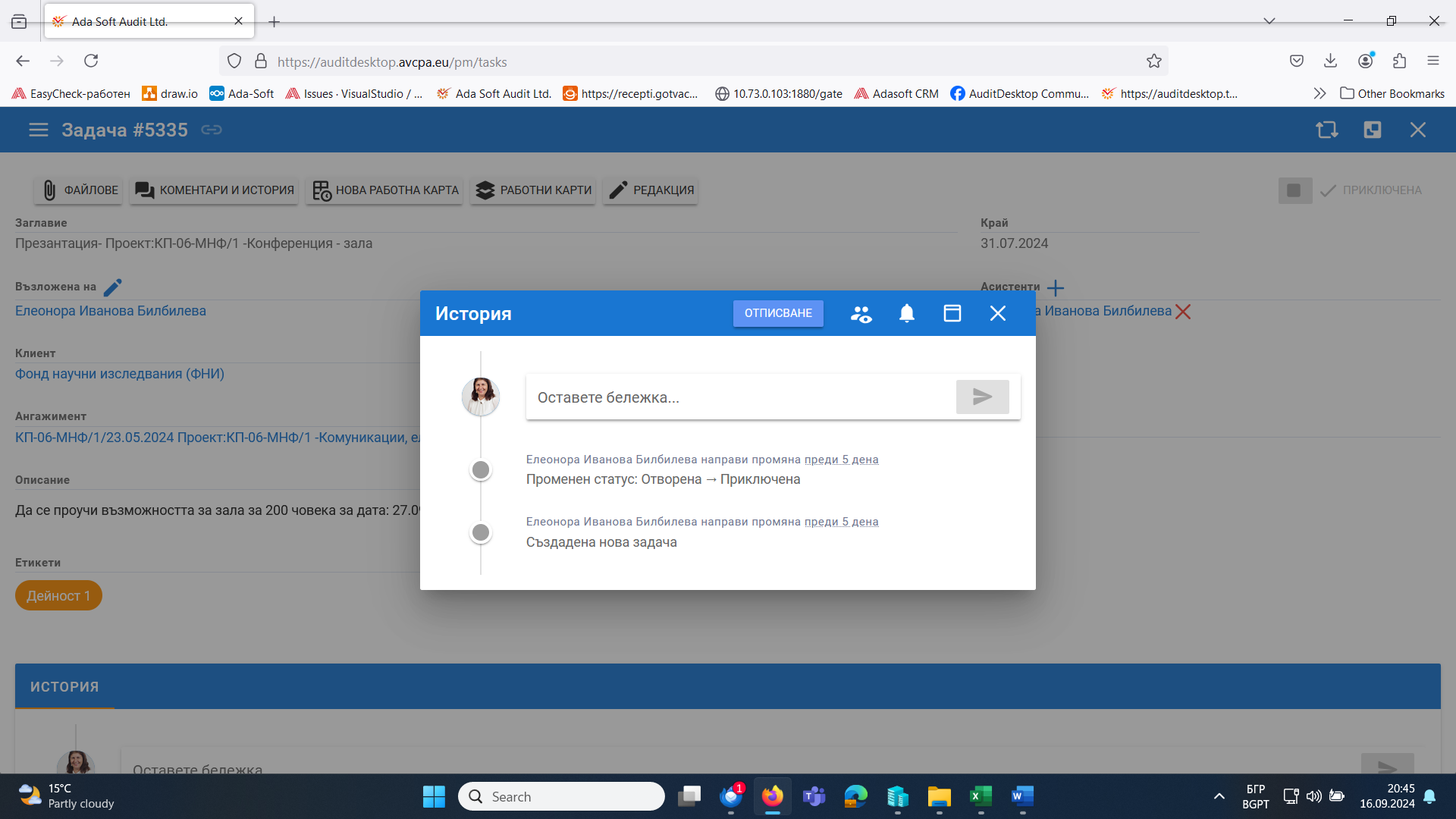
When a task is open, the top row has a Comments and history (or History) button that opens a dialog. When the task is shown full screen, the history and comments are in an area at the bottom of the screen.
- The history records all changes to the task.
- Everyone involved in completing the task can communicate through comments.
Subscribers
View and add task subscribers with the  button.
- When the task is addressed to one client employee, access is granted when the client is selected – with the same button next to the client field.
- When the task is addressed to several client employees, add them from History → .
Mute notifications
The system emails the subscribers on every change to the task – edits, new assistants, new files, etc. If this is not wanted (for example when making further edits to an already activated task), turn sending off with the  button. The same button turns notifications back on.