Register setup
☰ → Settings → Registers
The “Incoming/outgoing mail” register is used as an example.
-
Add a new register and fill in the basic details – see “Register” dialog.
-
Click Save. The register appears in the register list.
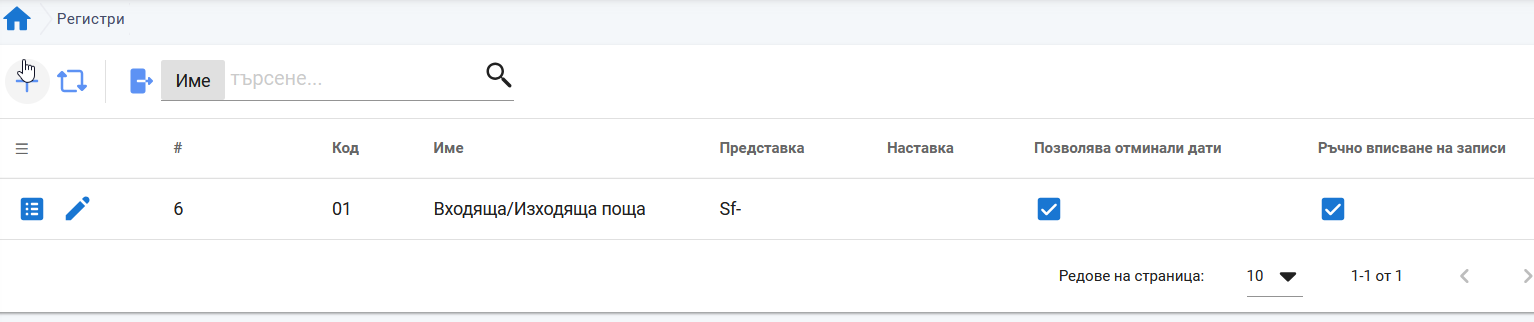
-
Click
 to complete the settings.
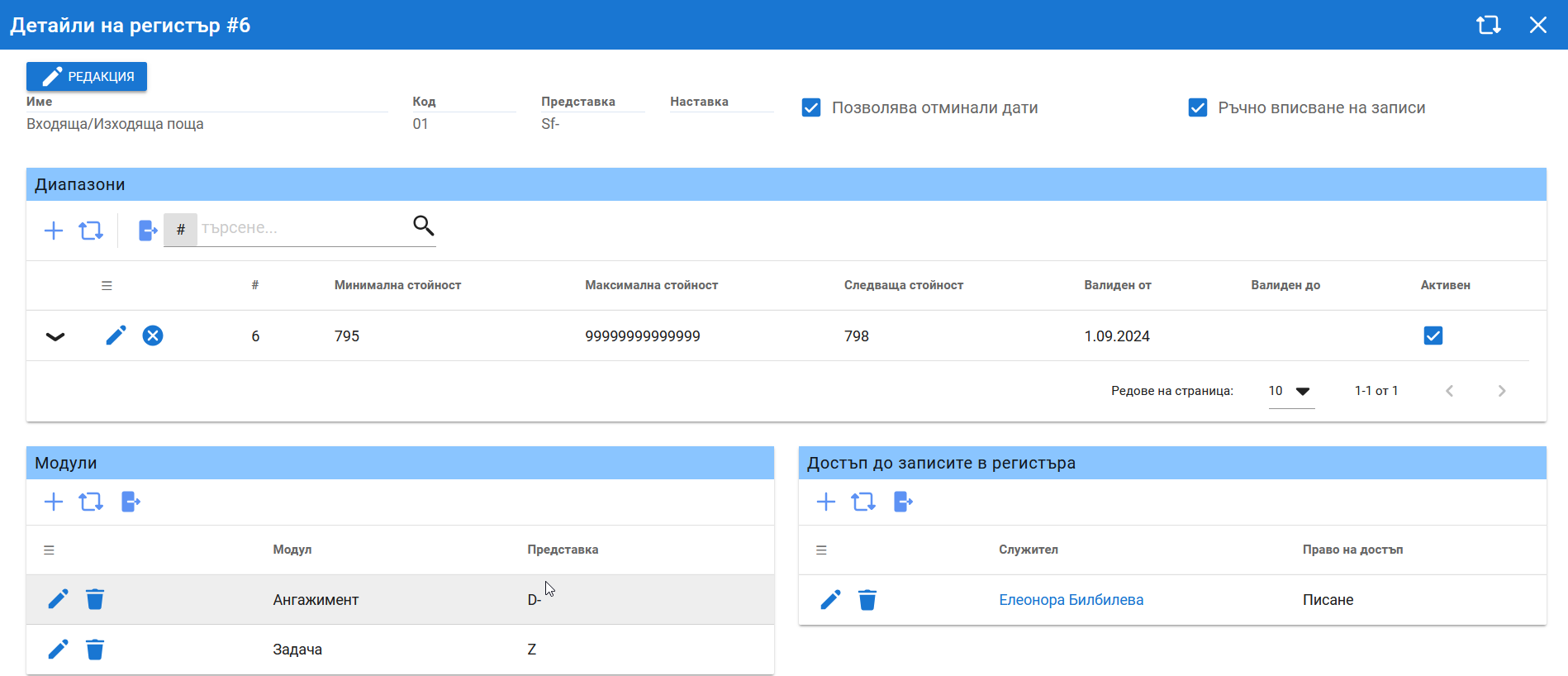
Ranges
The numbering ranges. If a range has a prefix or suffix, it is added to the register's general prefix/suffix. Different ranges can give employees different access.
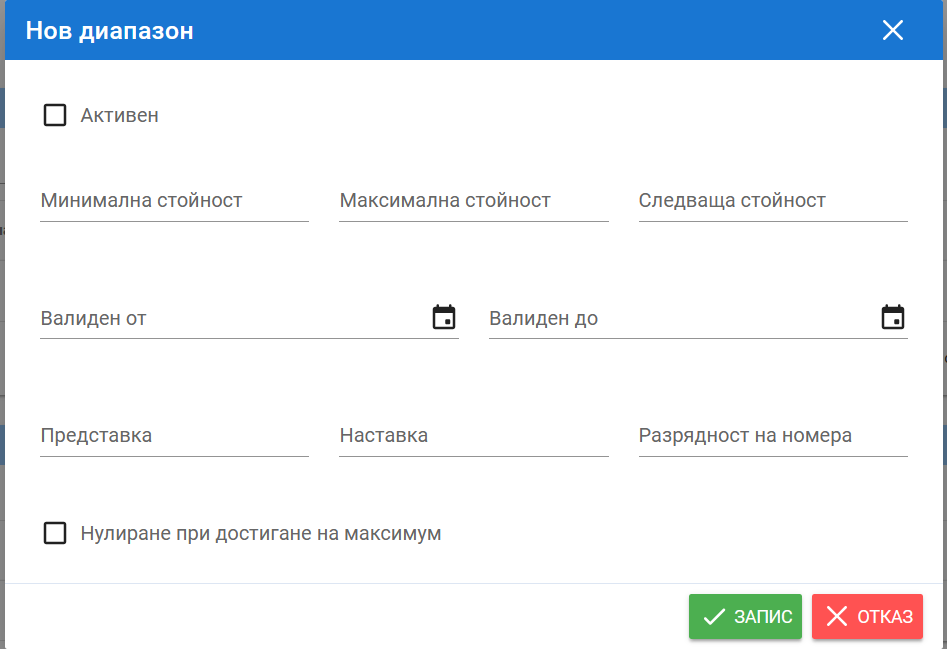
| Field | Description |
|---|---|
| Active | The range is in use. |
| Minimum, maximum, next value | The numbering limits and the next number. |
| Valid from/to | The validity period of the range. |
| Prefix, suffix | Added to those of the register. |
| Number of digits | The number of digits in the number. |
| Reset when maximum is reached | Numbering starts over after the maximum value. |
Modules
The system modules that can add entries to the register automatically – Leaves, Engagements and Payroll. You can set a prefix for each module.
Access to register entries
The employees' permissions in the register. Once an employee gets access to a register, Registers appears in Main menu → Personal, where they open the registers available to them.